
Discounted & Free Microsoft Licences for Charities & Non-Profits in Hampshire

Large Discounts

Cross-Device Synchronisation

Easily Accessible

Secure

Equip your charity or non-profit in Hampshire with access to Microsoft’s low-cost and free productivity tools, including Microsoft Exchange Microsoft Office applications.

Microsoft licences designed for charities and non-profits offer an affordable way to use trusted collaboration tools while making the most of Microsoft’s generous discounts and free options. Carrera provides advice, setup, and continuing support for Microsoft 365 licences, ensuring organisations in Hampshire can benefit from professional email, Microsoft Office apps, OneDrive, SharePoint, and Microsoft Teams.
Free Microsoft Email Licences

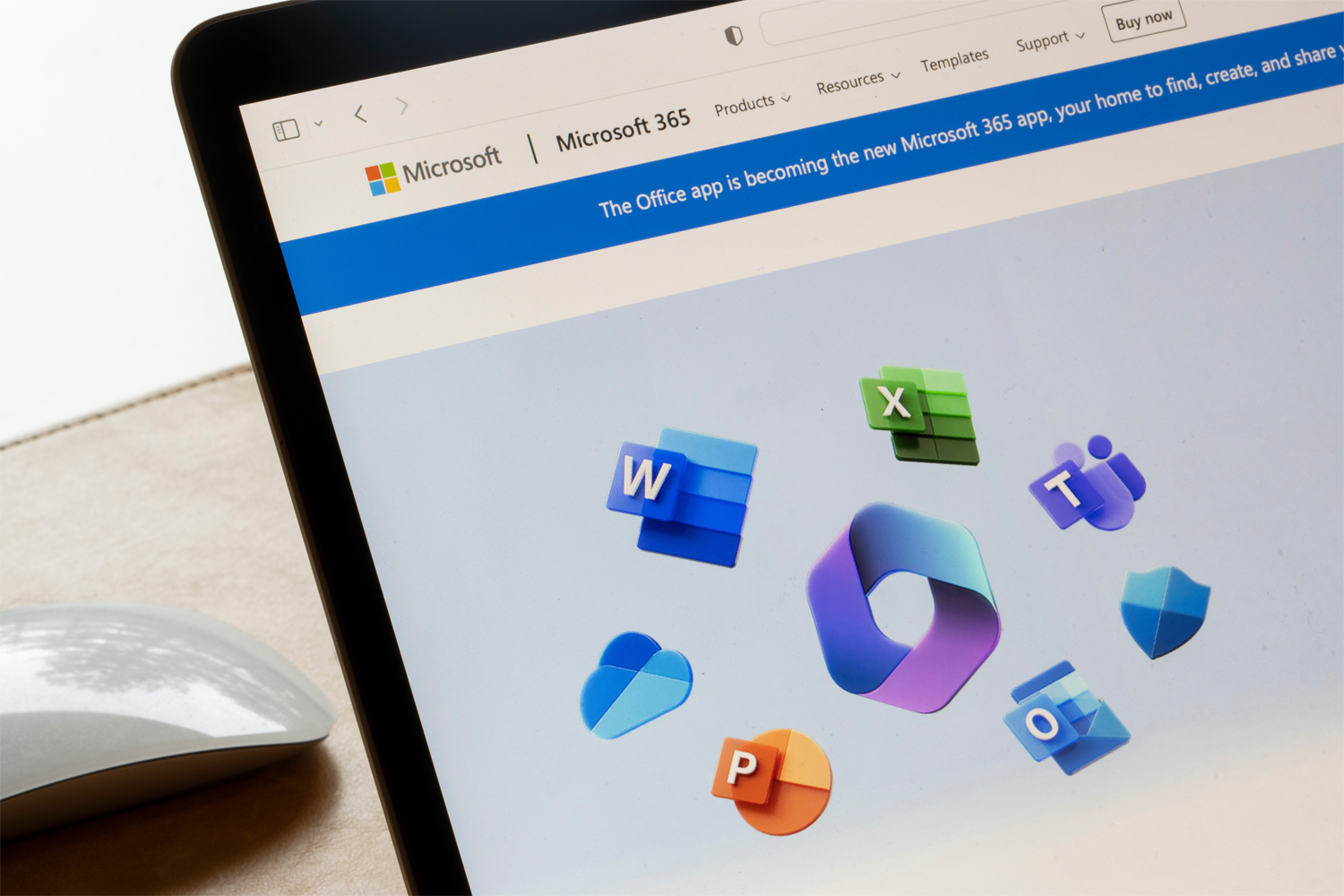
Charities and non-profits across Hampshire can take advantage of Microsoft’s free licence, which includes business-grade email accounts, browser-based Office apps, and Microsoft Teams. With this package, your organisation can run professional communications and support day-to-day collaboration at no cost for up to 300 users. Teams makes it simple to arrange meetings, share documents, and keep in touch, while the use of your own domain name ensures a polished and trustworthy image when contacting donors, partners, and volunteers.

Discounts for Charities and Non-Profits

For organisations in Hampshire that require more than the essentials, Microsoft also offers discounted licences that include the full desktop suite of Word, Excel, PowerPoint, and Outlook, as well as increased storage and advanced collaboration features. These discounted packages mean that charities and non-profits in Hampshire can access high-level software for a much lower price, helping them to maintain efficiency without placing unnecessary pressure on budgets.

Carrera also delivers discounted support services tailored to charities and non-profits. Our team will handle setup, configure applications, and resolve technical issues when needed. We also take care of ongoing licence management, ensuring your organisation always has the right solutions in place. This allows staff and volunteers to concentrate on delivering services while we manage the technical aspects.

How Charities and Non-Profits in Hampshire Can Use Microsoft 365

The practical applications of Microsoft 365 make daily operations simpler for charities and non-profits. Examples include:

  • Using professional email addresses linked to your domain to communicate reliably with donors, supporters, and partners
  • Running online meetings with staff and volunteers through Microsoft Teams
  • Preparing documents, budgets, and presentations on desktop, tablet, or mobile devices
  • Sharing files securely with individuals inside or outside the organisation with flexible access controls
  • Managing volunteer schedules and field activity efficiently, even when working remotely
  • Safely storing and accessing essential documents through OneDrive with automatic syncing across devices

At Carrera, we assess your needs and can advise you on the type of Microsoft licence that best suits your charity or non-profit. We provide guidance on setting up email, Office applications, and cloud storage to ensure your team can work efficiently and cost-effectively. Our ongoing support covers installation, configuration, and troubleshooting, so your organisation can focus on its mission rather than technology challenges.

FAQs

Yes, Microsoft offers licences at heavily discounted rates for registered charities and non-profit organisations, making them far more affordable than standard business licences. By accessing these discounts, charities can benefit from enterprise-grade software at a fraction of the usual cost, helping limited budgets go further while still maintaining professional communication, secure data management, and efficient teamwork.

Microsoft 365, formerly known as Office 365, is a suite of cloud-based productivity tools and services developed by Microsoft. It encompasses a variety of applications and services designed to help individuals and businesses create, communicate, and collaborate more effectively. Microsoft 365 includes the following key components:

  • Microsoft Office Applications: Microsoft 365 provides access to popular desktop applications such as Word, Excel, PowerPoint, Outlook, and others. These applications are available for both Windows and macOS platforms.
  • Cloud Services: Microsoft 365 is deeply integrated with cloud services, allowing users to store, access, and share documents and files through OneDrive and SharePoint.
  • Communication Tools: It offers communication and collaboration tools such as Microsoft Teams, which enables real-time communication through chat and video conferencing.
  • Email and Calendar: Microsoft Exchange provides users with secure email services and calendar functionality.
  • Security: Microsoft 365 includes security features such as threat protection, and backups, helping businesses secure their data.
  • Updates: Subscribers to Microsoft 365 receive regular updates to the applications and services, ensuring access to the latest features and security enhancements.

Microsoft 365 is available through subscription plans for individuals and businesses. It provides a flexible and scalable solution that allows users to access their productivity tools from different devices and locations.

The main Microsoft Office applications are:

  • Microsoft Word - The word processing program used to create documents with tools such as text formatting and spell check.
  • Microsoft Excel - The spreadsheet program used to analyse data, create graphs and perform advanced calculations.
  • Microsoft PowerPoint – The presentation software created with slides incorporating text, images and animations.
  • Microsoft Outlook – The email used for sending and receiving emails, as well as management of meetings, calendars and contacts.
  • Microsoft OneNote – The digital notebook application for drawings, text and images, used for information collection and presentation.
  • Microsoft Teams – The communication and collaboration tool for messaging, meetings and file sharing, that integrates with other Office apps like Outlook.

Microsoft Office is a suite of productivity software applications developed by Microsoft. It is widely used in both personal and professional settings to create, edit, and share documents, spreadsheets, presentations, and more. The Microsoft Office suite is available in different licensing options - as one-time purchases for desktop software installs, or through recurring subscription plans like Microsoft 365 that include web and mobile access.

To access discounted Microsoft licences, organisations need to be recognised as a registered charity or non-profit and meet Microsoft’s eligibility criteria. This usually involves providing documentation that proves charitable status, such as registration with the Charity Commission or another relevant body. Once eligibility is confirmed, charities can apply for discounted licences through a Microsoft Partner such as Carrera UK.

Yes, even the smallest charities and non-profits can qualify for discounted Microsoft licences. Whether you have just a handful of staff or rely mostly on volunteers, these discounts are designed to support organisations of all sizes. Small charities benefit particularly, as they can access the same professional tools used by larger organisations without the high costs.

Choosing the right Microsoft license depends on your business needs and how your employees work. A more basic Microsoft licence will include an email account and access to the Office apps online, whereas a licence that is more advanced will include access to complex remote working set-ups with virtual environments. Our team will assess your business’s needs and advise on the best licence for you!

Microsoft licences give charities and non-profits affordable access to the same professional tools used by businesses, helping them work efficiently while keeping costs under control. A licence allows non-profits to use their own domain for email, which strengthens credibility when communicating with donors, funders, and partners.

Teams and volunteers can collaborate on shared documents, plan events, or hold online meetings without needing additional software. Files and resources are stored securely in the cloud, making them easy to access from the office, at home, or out in the field. For charities and non-profits, these licences not only improve day-to-day operations but also free up time and resources that can be directed back into delivering their mission.

Related Services

Microsoft Teams

Microsoft Teams revolutionises the way organisations operate, particularly for remote and hybrid working scenarios.

Email Signatures

Hosted email signatures will keep your business’s emails looking professional and consistent.

IT Support

Our friendly and highly skilled team are always available to resolve any IT issue.